
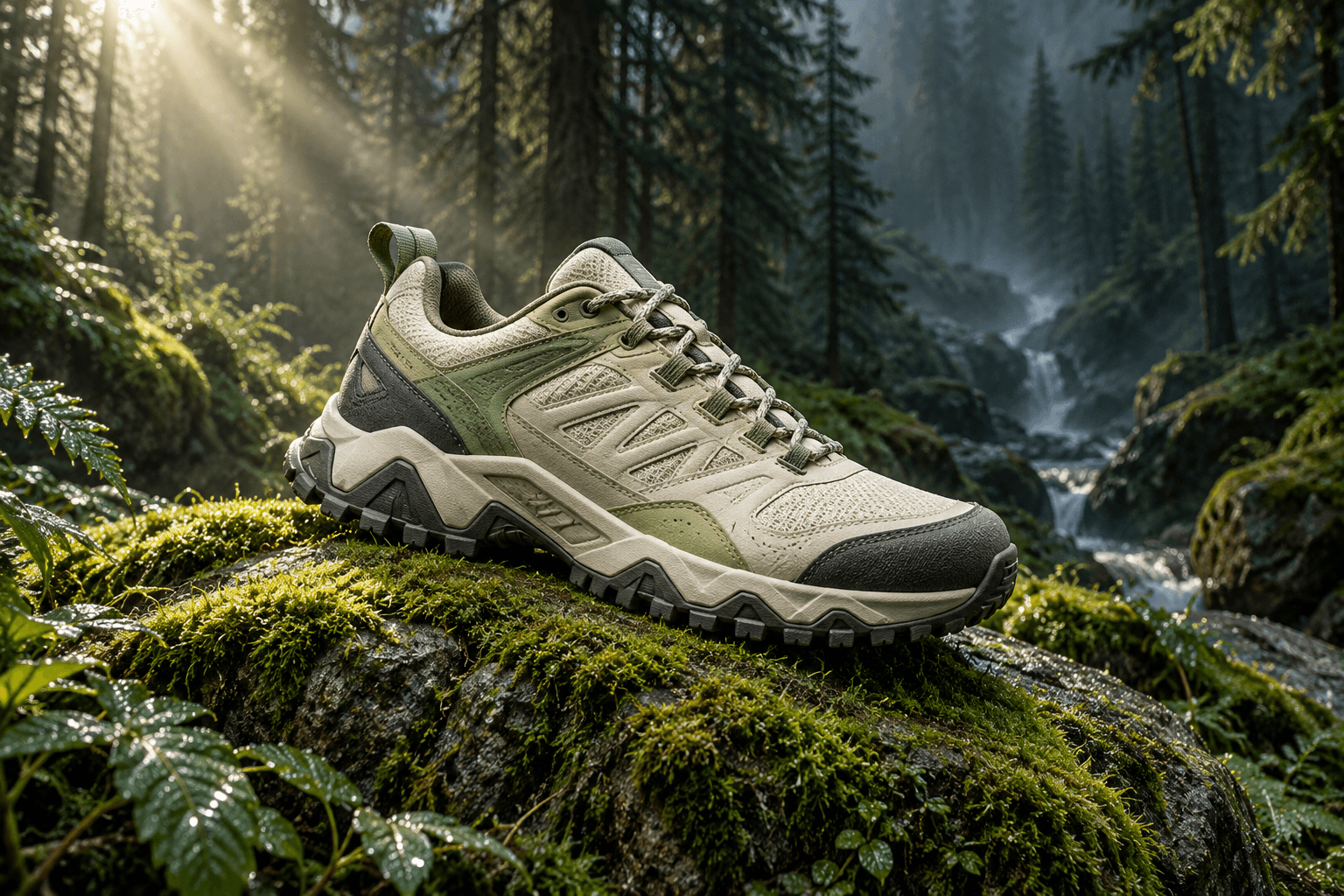
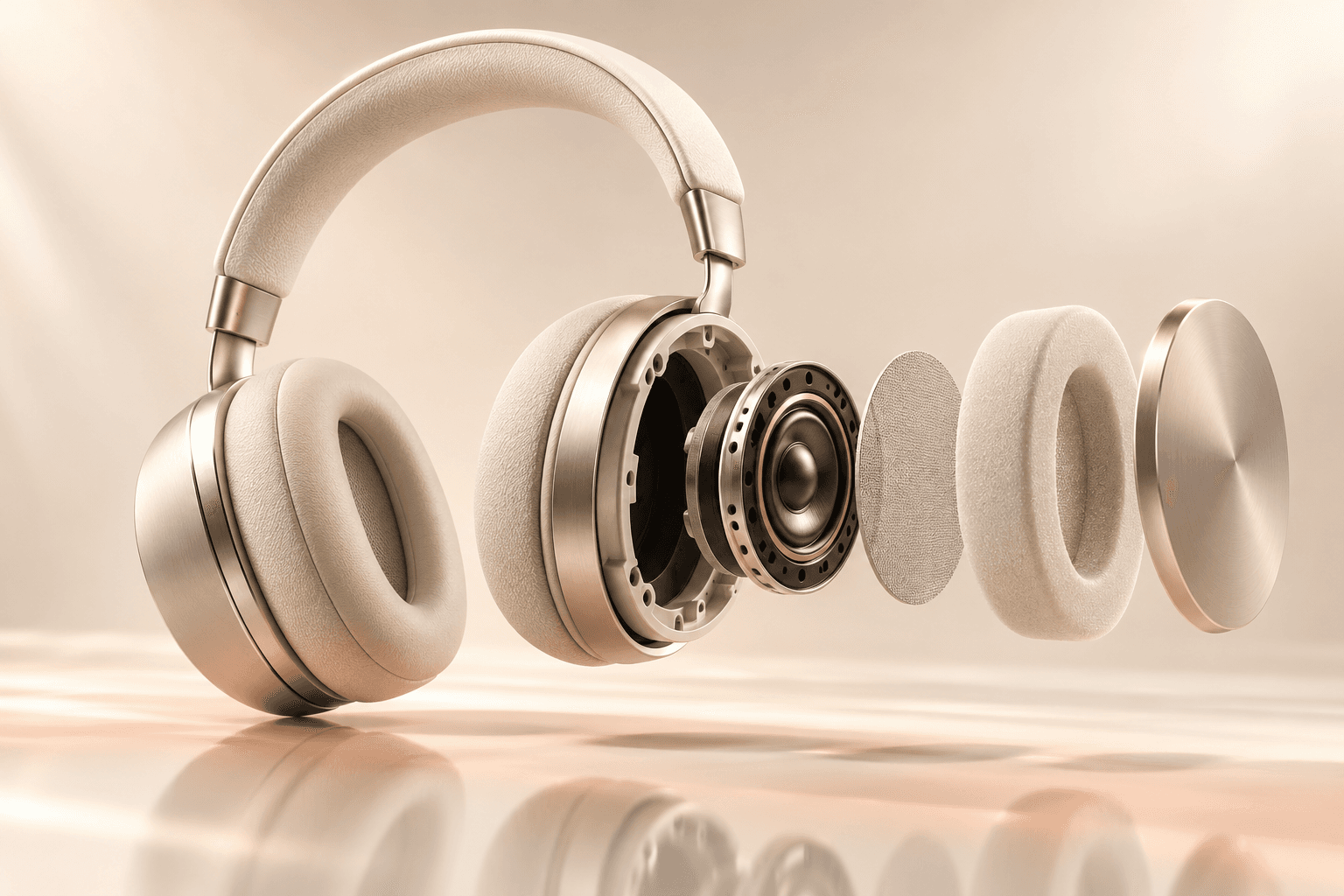


Product images, with direction.
Explore studio shots, lifestyle scenes and macro details using compatible reference inputs.
Plan a product image AI Campaign Studioby Bissolux
Create product images, video ads and social content from one clear brief.
Choose your format. Add a reference. Review the credit quote before you create.
 Meta
Meta Instagram
 TikTok
 Google Ads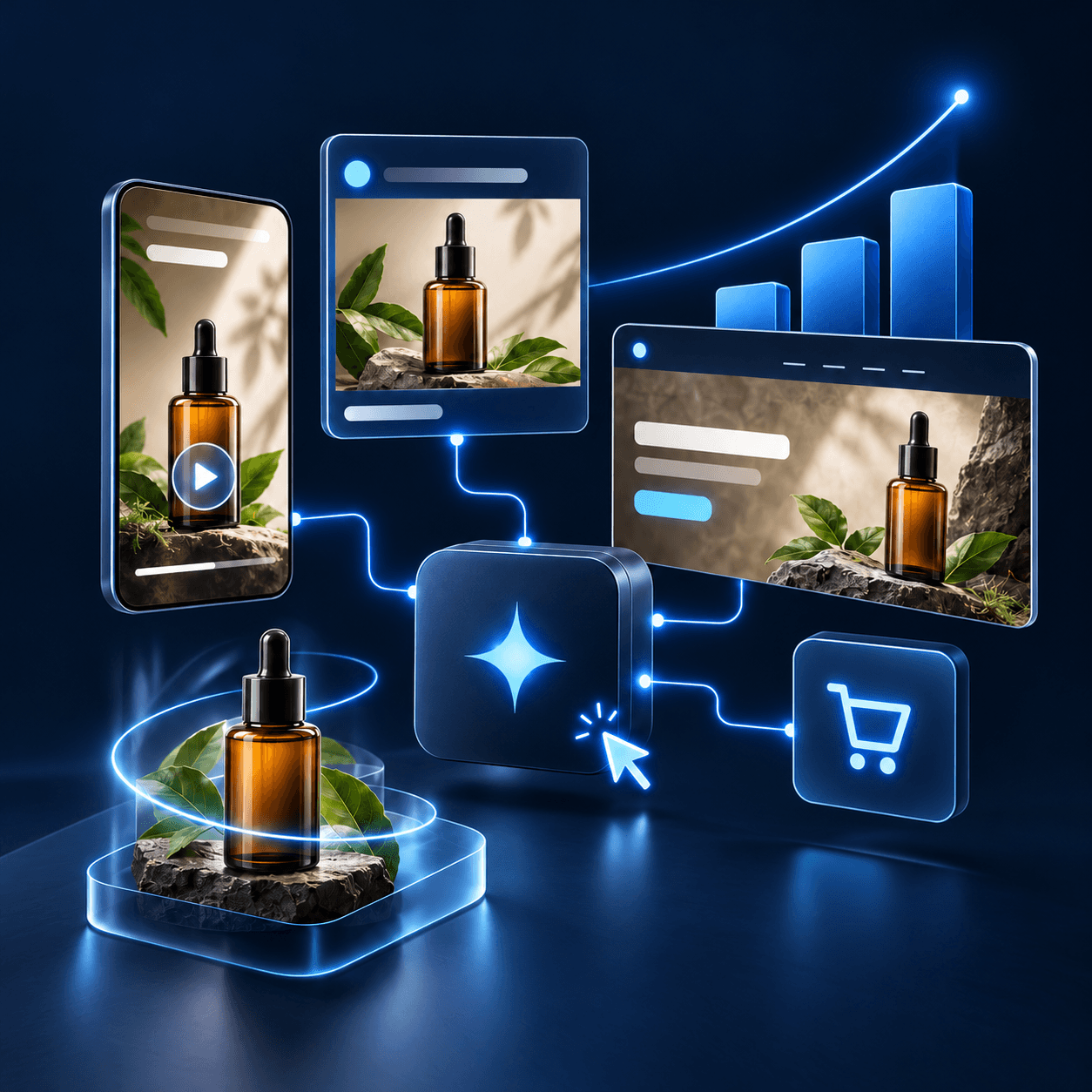
Find the weak link before making more ads. Check the offer, measurement and buying journey, then give your next creative test a clear job.
MetaInstagramTikTokGoogle AdsAI Campaign Studio helps you make creative assets. Manage targeting, tracking, offers and publishing in your existing tools; measure the result of each test.
Make channel-specific product images for TikTok, Instagram, product pages and website heroes. Switch to video for short TikTok, Reels, Stories and website concepts.
Choose one placement or select the whole set supported by your model. See every item and the total credit quote before generation, then download each completed asset.
Make my product set Each selected placement creates a separate job. Review product details and destination requirements before publishing.From the first product image to the next social post, give every asset a clear direction.
Explore studio shots, lifestyle scenes and macro details using compatible reference inputs.
Plan a product image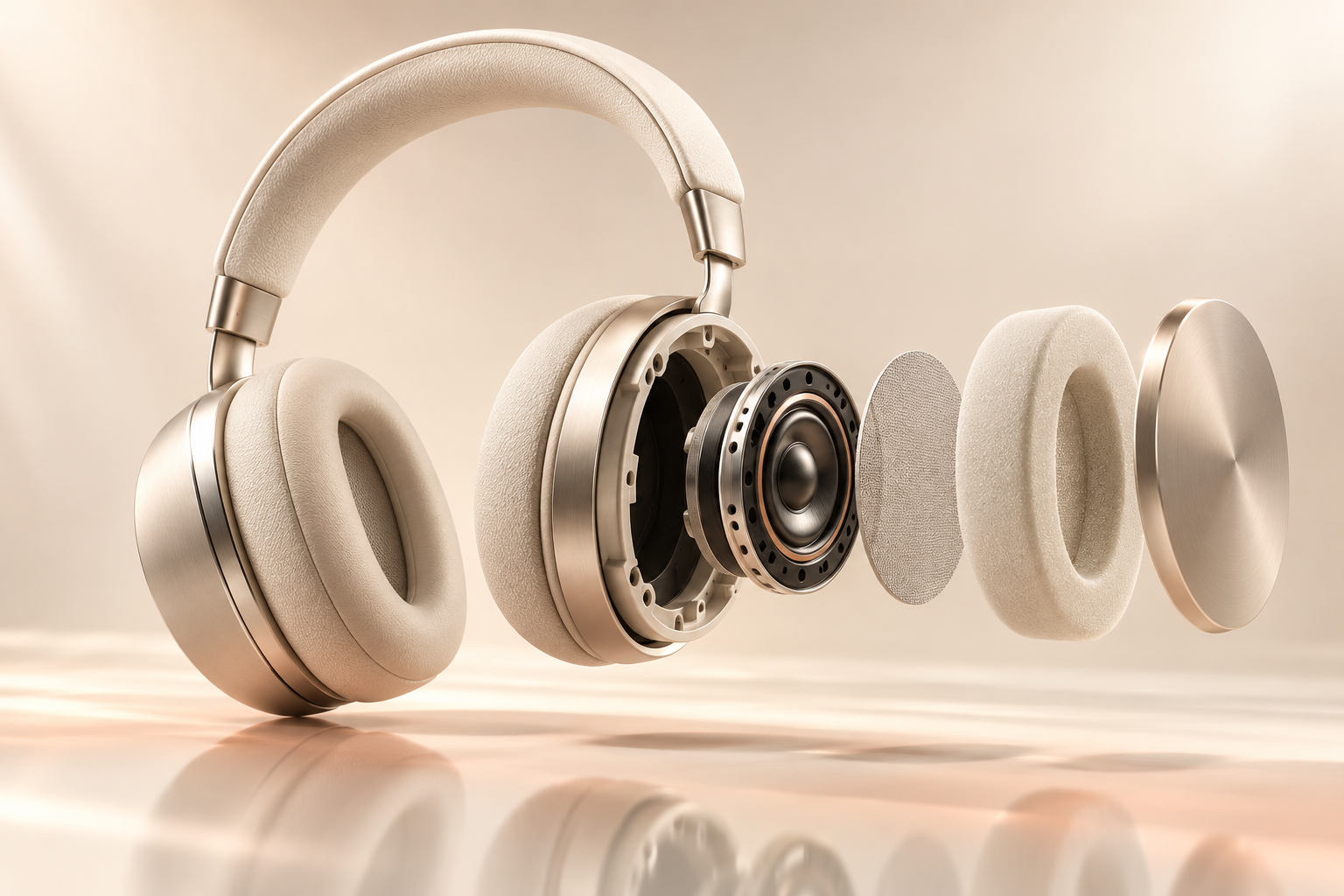
Plan short video shots with supported photo inputs, first/end frames or a compatible source video.
Turn a photo into a video
Save your brief and approved scenes together. Assemble completed clips into a campaign MP4.
Build a storyboardKeep the decisions clear at every step.
Add your own reference photos, choose a completed image, or start with a short brief. Save your colors and voice in a brand kit.
Pick a compatible image or video model. See its required inputs and credit quote before starting a generation.
Approve frames, organize storyboard scenes and reuse completed videos. Save individual assets or render a film from saved clips.

Add meme captions to an uploaded or completed image, then export a PNG. Local caption editing is free; generating a new background is a separate quoted action.
Find your brand’s kind of funnyPractical guides to tired ads, weak product visuals and the gap between a click and a purchase.
Use the same account, credit wallet and private library. Choose your placements, create your set and save completed images or clips to your device.
The Android download will appear here when a build is available.