
TikTok ads not converting? Check the journey before replacing the creative
Separate tracking gaps, audience intent and landing-page friction from a creative problem, then plan one useful product-motion test.
Find where the journey actually stops
A campaign with clicks and few recorded purchases can have several different problems. People may be leaving before the page loads, finding an unexpected offer, encountering a checkout error or purchasing without the reporting setup recognising the event. Start with your own order records and the events recorded by the ad platform. Confirm the action you are counting: a page view, add-to-cart and completed purchase answer different questions.
TikTok documents conversion discrepancies caused by factors including attribution methods, browser behaviour and reporting time zones. Check those settings and test the intended event through the complete customer journey before declaring the video unsuccessful. Do not bypass a visitor's privacy choice to make the numbers match. Record the date range and reporting source you will use for the comparison; a screenshot from one dashboard is not proof that another source is wrong.
Make the opening attract the right expectation
Watch the ad without its campaign notes. Can someone identify the product, understand who it is for and predict what the click will show? An intriguing visual can invite curiosity without communicating buying intent. Compare the first impression with the audience you intended to reach. Avoid an opening that implies a feature, price or result that the product page cannot support.
TikTok's creative guidance recommends a clear hook, product proposition and call to action, while describing its recommendations as starting points for testing. Apply that principle to one concrete message, rather than copying a supposedly winning hook. Open the destination on a phone: the product variant, offer and next action should match. Google Ads likewise recommends connecting ad expectations with the landing page; that is a useful review principle, not a guarantee that a revised hero will produce purchases.
Build one product-motion variation with a clear hypothesis
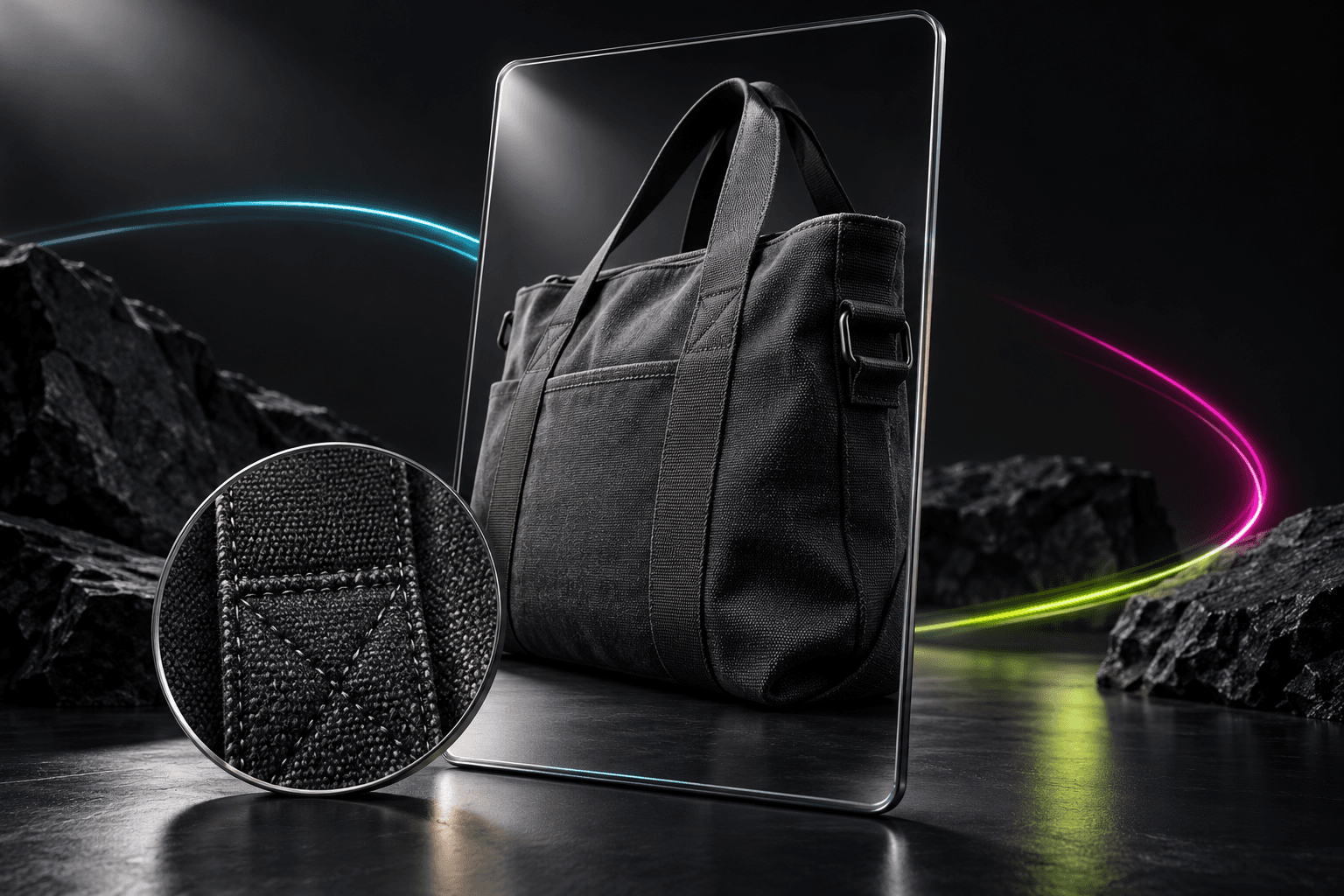
An original test for a canvas carry bag might ask whether a slow detail reveal communicates its construction more clearly than the existing wide shot. Keep the audience, offer, destination and final call to action stable for this narrow comparison. Write an approval rule before generating: the same bag, accurate stitching and fasteners, no invented pockets, and a clear product view throughout. Set a finite production allowance rather than generating until something feels persuasive.
A starting brief is: Use the approved bag photograph. Keep the bag still while the camera makes a gentle move across the front, revealing the actual fabric and seams. Preserve its colour, shape and hardware. Do not add lettering, accessories or a demonstration of unverified capacity. In AI Campaign Studio, upload the photo and choose a compatible video model and TikTok placement in Product set. Review the quote, explicitly generate and inspect the full clip before saving it. This example is a direction to test, not an observed campaign result.
Keep creative decisions separate from the wider diagnosis
Review the exported crop and the platform's current interface-safe areas before publishing through your advertising tools. Use the agreed reporting source and record what happened after the click, not just whether the new opening attracted attention. If delivery was uneven or other changes happened during the run, mark the result as limited or inconclusive. Decide the next test from the evidence you actually have.
AI Campaign Studio creates brand images, videos and controlled production variations; it does not repair event tracking, audience settings, bidding, prices or checkout. A poor offer or broken purchase path needs its own correction. Keep the accepted brief, completed output, quote and decision note together so you can reuse the asset without paying to recreate it. There is no promised conversion lift, and a sample preview is not evidence of a live model's quality or an ad's performance.
Sources & further reading
- TikTok for Business: creative structure and testing guidance ↗
- TikTok for Business: conversion reporting discrepancies ↗
- Google Ads: matching ads and landing pages ↗
Product documentation can change. Check current provider controls and terms before production.