
AI meme marketing for brands: make the joke yours
Start with an original brand observation, use a background you can publish and add readable captions without paying for another image generation.
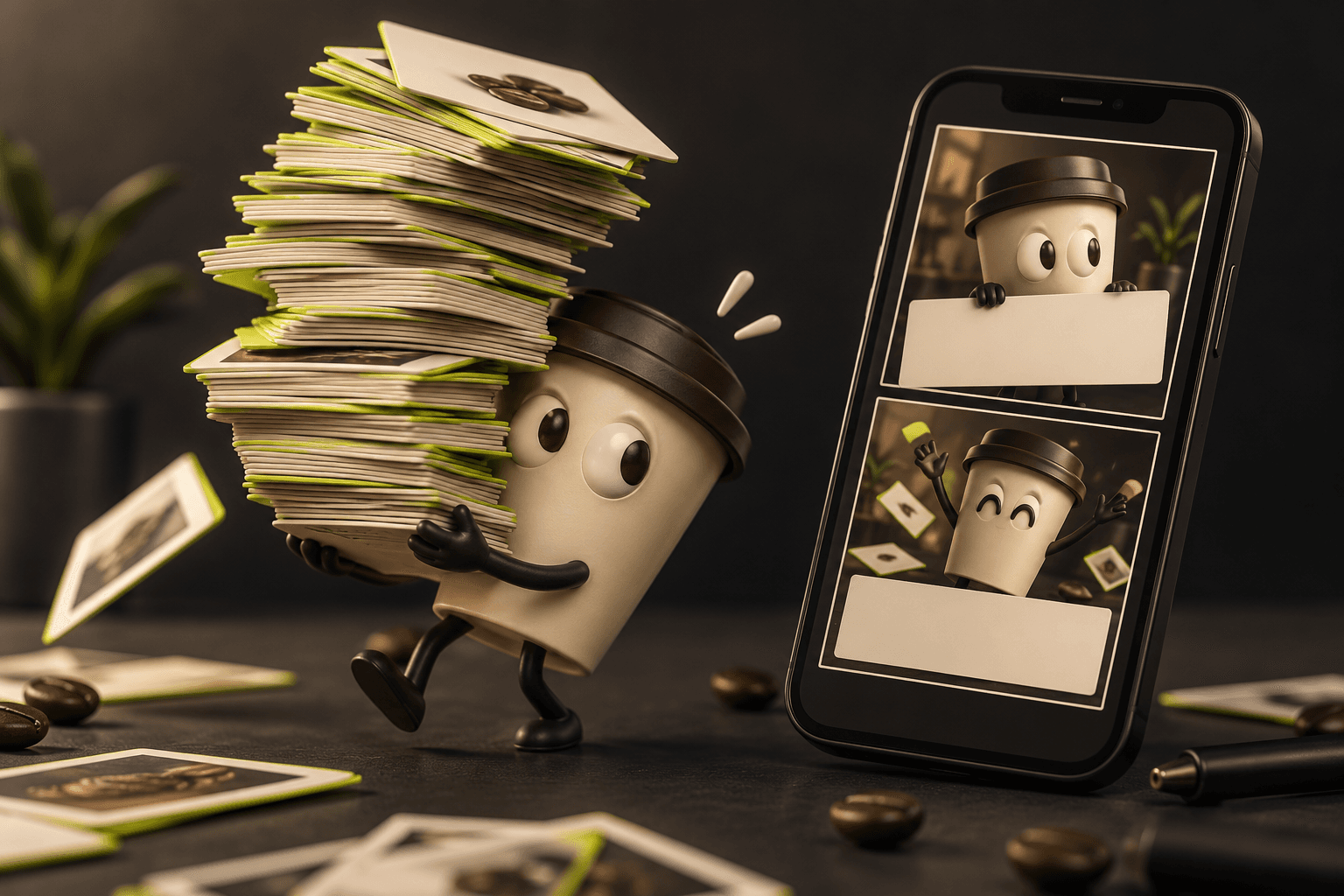
Use a familiar situation instead of copying a famous meme
A useful brand meme starts with an observation your audience recognises. It might be the care someone puts into wrapping a gift, the anticipation of a delivery or the habit of checking the same product detail twice. Keep the humour connected to the product experience without making a customer, employee or identifiable person the target. The aim is a clear, appropriate post, not a promise of virality.
For a homeware shop, an original caption pair could be: Me: one quick shelf refresh. Also me: moving the same vase six times. Photograph your own display or create an original background that supports that situation. The caption works without borrowing a film still, a celebrity expression or another business's design. Write a few alternatives as ordinary text first; the shortest version that preserves the observation is often the easiest to lay out.
Select a background whose use you can check
Start with your own approved photo, a completed image you can use under the relevant terms, or an appropriately licensed background. Keep the source and permission record with the production notes. Finding an image in a search result does not establish permission to adapt it for brand marketing. Avoid assuming that a familiar meme format makes the photograph, character or person in it available for your campaign.
Creative Commons explains that its licences have different conditions: some permit commercial adaptations with attribution, while others restrict commercial use or adaptations. Check the specific licence and any other relevant permissions before editing. If you generate a new background, review the chosen model's terms and the actual output too; payment alone is not a clearance guarantee. When rights are uncertain, use your own material or obtain permission instead of guessing at an exception.
Keep background generation separate from free caption editing
In AI Campaign Studio, open Memes and choose an uploaded background or a completed image from your library. Add the top and bottom text, adjust the available text style and inspect the composed preview. Captions are drawn locally in the browser and exported as a PNG. Editing that text does not require another paid generation, and the editor is not claiming to generate the joke with a language model.
If the background needs to be new, make that a separate choice and review the image-generation quote before starting. An original brief could be: A tidy homeware display with a single green vase slightly off centre, plenty of clear space above and below, no people and no generated lettering. Use a product reference only with a compatible model. Approve the image first, then add the verified caption in the editor; do not spend extra attempts asking an image model to reproduce exact text.
Try an original plant-shop post with the top caption “Just checking the new leaf” and the bottom caption “For the fourth time today.” Use a photograph you own and keep the humour about the shared habit. Make one captioned PNG first; for a second version, change only the bottom line while keeping the background. Both caption edits stay local and need no image-generation credits. Check the exported text at phone size, add appropriate accessibility text in the publishing tool and retain the background’s permission record. This is a planning example, not a tested engagement result.
Read the exported post in its real context
Open the exported PNG and read it on a phone, including both caption lines. Check that the text remains legible, stays inside the crop and does not obscure an important product detail. Avoid placing the only explanation in tiny type. Share the draft with a colleague who was not involved in the joke: if they need a long explanation, simplify the wording or choose another observation.
Review the destination's current publishing requirements and the tone of the surrounding content. TikTok's creative guidance discusses relevant trends and memes as creative starting points, not guaranteed outcomes; a familiar format still needs to suit your audience and business. Keep the final caption, background source and approval together. Publish through your usual channel tools, observe the actual response and decide whether the format deserves another post. A free caption export is a production convenience, not evidence of campaign performance.
Sources & further reading
- Creative Commons: licence types and reuse conditions ↗
- TikTok for Business: trends, memes and creative context ↗
Product documentation can change. Check current provider controls and terms before production.