
Product-page images not selling? Find the unanswered buying question
Audit product identity, scale, use and supporting details before creating visual variations, without turning generated scenes into invented proof.
Ask what the image set leaves uncertain
A striking product image can still leave a customer unsure about what is being sold. Review the page as if you have never handled the item. Can you identify the correct variant, its included parts, its size and the material details that matter? List unanswered questions before commissioning another decorative scene. If the price, delivery terms or purchase control are unclear, acknowledge that an image change alone will not solve the page.
Check consistency from the incoming ad or product listing to the selected variant and the checkout. Google Merchant Center's landing-page requirements connect the product image with matching information such as description, price and availability. Its guidance also warns against overlays that hide important page elements. Use those requirements where they apply to your listings, while treating the broader audit as a practical review of your own customer journey.
Give identity, scale and use different forms of evidence
Keep a clear view of the actual item as the identity anchor. Google's main-image guidance requires the item being sold to be visible and rejects promotional overlays in that image. Its additional-image documentation allows supporting angles, details and product-use scenes. A tidy main photo and a useful supporting detail answer different questions; replacing everything with the same dramatic angle can remove information rather than add it.
Scale and performance need evidence. Prefer a measured diagram or accurate real photograph when size, fit or quantity is essential. Use genuine product demonstrations for behaviour you want to show. An AI scene cannot prove load capacity, durability, ingredient effects or customer satisfaction. Do not generate a badge, review, before-and-after result or accessory that suggests evidence you do not have. Check input rights and provider terms, and review the destination's current AI-image metadata requirements before uploading generated assets.
Write a brief for one missing visual explanation
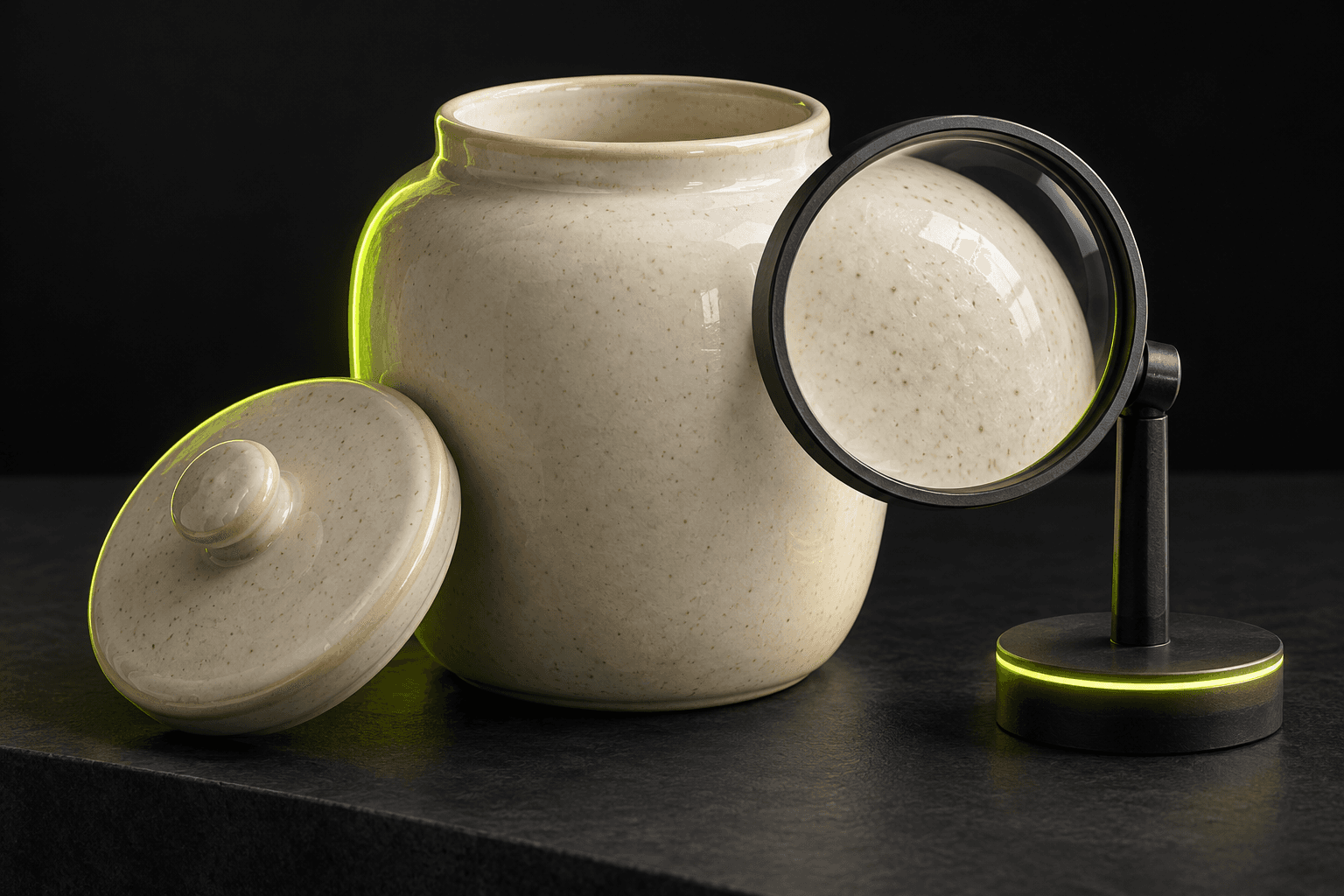
Suppose a ceramic storage jar has an accurate front photograph but no clear view of its real lid and surface finish. The production task could be a closer composition, not a claim that the jar keeps food fresh for a certain period. Keep a reference showing the actual feature you need to represent. If the available photo does not reveal the feature accurately, obtain that source photograph instead of asking a model to invent the unseen geometry.
An original brief is: Use one approved photograph showing both the jar and its real lid. Create a clean product image that makes the visible ceramic texture and lid shape easy to inspect. Preserve proportions, colour and the number of pieces sold. Use a neutral background; add no labels, claims or extra contents. In AI Campaign Studio, select an image-reference model, attach that single approved photo and choose the Product page placement. Review the quote and explicitly generate. Compare the output with the real product before deciding whether it repairs the gap.
Measure a focused page change without overclaiming the result
Write a checklist for approval: correct variant and quantity, faithful visible details, useful crop, readable zoom and no misleading props. Keep the original image and label the new version. For a focused comparison, change the relevant image slot while keeping the offer, copy and purchase path stable where possible. Agree on the time period, reporting source and business action before reviewing the results. Record insufficient or uneven traffic as a limitation.
Use Product set to prepare the product-page composition and, when useful, separate social or website-hero variations from the same source. Each placement is its own output with its own status, not automatic proof of suitability. The studio does not change your storefront, prices, tracking, bids or checkout, and it does not guarantee more sales. Publish through your normal tools, check delivery and image handling there, then use observed behaviour and customer questions to choose the next production task.
Sources & further reading
- Google Merchant Center: main product-image requirements ↗
- Google Merchant Center: additional images, details and use scenes ↗
- Google Merchant Center: product landing-page requirements ↗
Product documentation can change. Check current provider controls and terms before production.