
From the ad to the product page.
Explore focused workflows for social ads, product visuals, website heroes and your next launch.
 Meta
Meta Instagram
 TikTok
 Google Ads
- Meta
- Instagram
- TikTok
- Google Ads

Give your next ad a clearer product story.
Turn one product photo into feed images, portrait creative or short video concepts. Test a different product angle or opening hook while keeping the offer clear.
- 1Choose image or video in Product set.
- 2Select compatible placements and review the full quote.
- 3Create, inspect and download assets for your own ad tools.
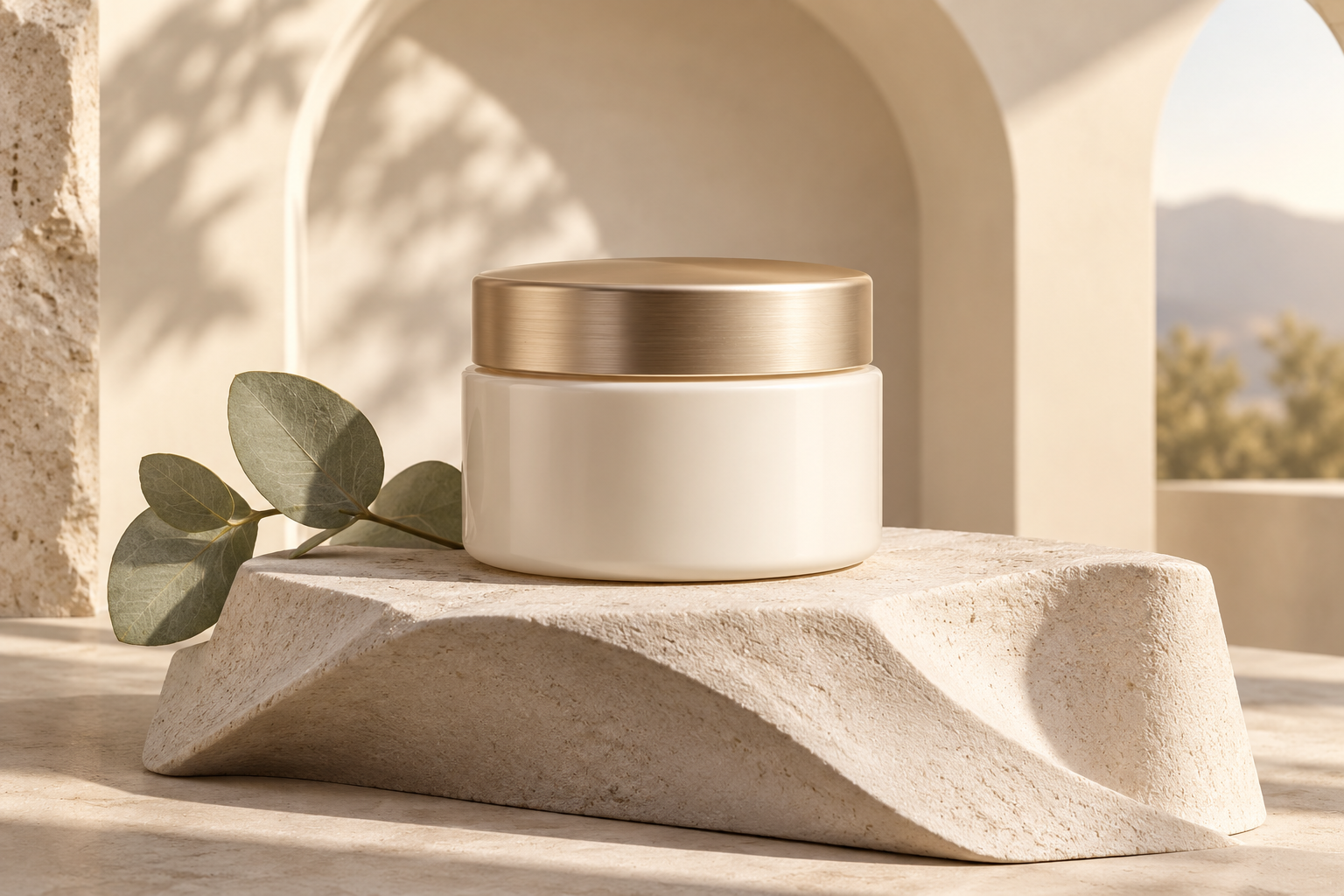
Match the promise after the click.
Prepare product images and website heroes that explain the offer people clicked for. Use Google campaign concepts as a starting point, then crop and assemble the required ad formats in your publishing tools.
- 1Compare the ad promise with the first screen on your site.
- 2Brief a visual that answers one real buying question.
- 3Review product accuracy, crop, file requirements and the finished page.

Put your product in focus.
Build a product image direction, from a quiet studio shot to a conceptual exploded view or a macro reveal.
- 1Add a product reference you have permission to use.
- 2Choose a product-story template or write your brief.
- 3Review the details and save the result.

Plan the reveal.
Develop opening and closing frames, then connect approved visual beats in a campaign storyboard.
- 1Set a campaign goal, audience and call to action.
- 2Plan scenes and approve frame images.
- 3Attach completed clips and render when available.
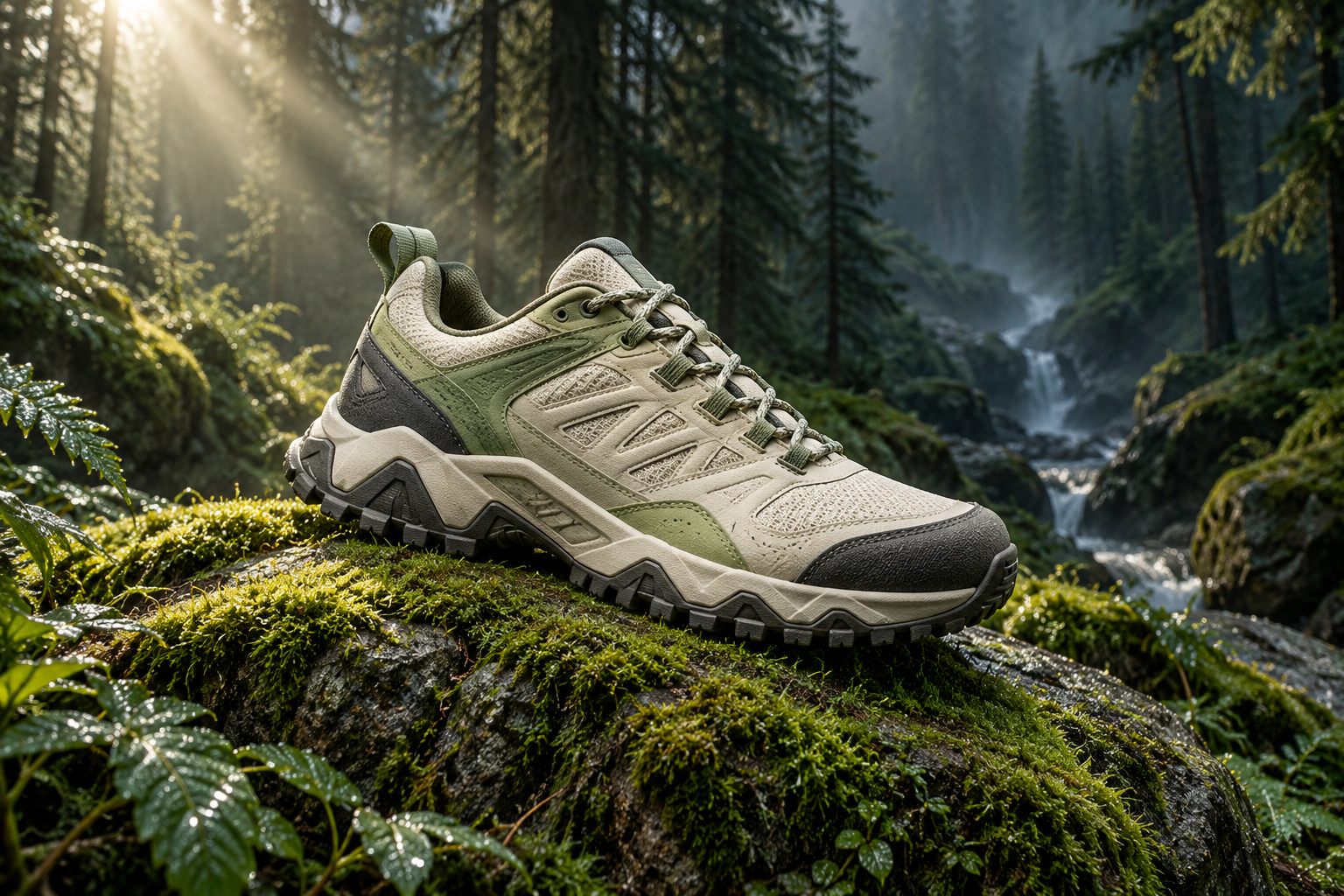
Keep your visual direction close.
Store the colors, voice and audience you want a campaign to reflect, then reuse that context as you create.
- 1Save a brand kit with your core direction.
- 2Use compatible reference inputs and a clear brief.
- 3Review consistency across the campaign assets.
Give the next post a direction.
Make a short image or video concept, or add a caption to a completed image in the free meme editor.
- 1Choose a format and a supported model.
- 2Create a background or upload an image.
- 3Add your caption, review and export.
Open the studio