
AI social media creative testing: turn variations into useful learning
Choose a clear creative question, prepare a manageable set of variations and separate production choices from actual campaign results.
Decide what you want to learn before generating
Generating several attractive images is not yet a creative test. Start with a question that could change your next production decision: does a close product detail explain the material more clearly than a wide lifestyle scene? Write down the audience, offer, placement and intended action. Decide how you will assess that question before seeing the variations, so the most striking image does not automatically become the answer.
Separate concept exploration from a controlled comparison. Three unrelated concepts can help you choose a direction, but they do not isolate why one performed differently. For a narrower comparison, keep the offer and copy stable while changing one visual decision. Meta Blueprint distinguishes A/B tests and lift tests in its creative-measurement training; use the platform's current testing tools when you need a campaign experiment, rather than treating a folder of outputs as one.
Give each variation a clear job and a finite budget
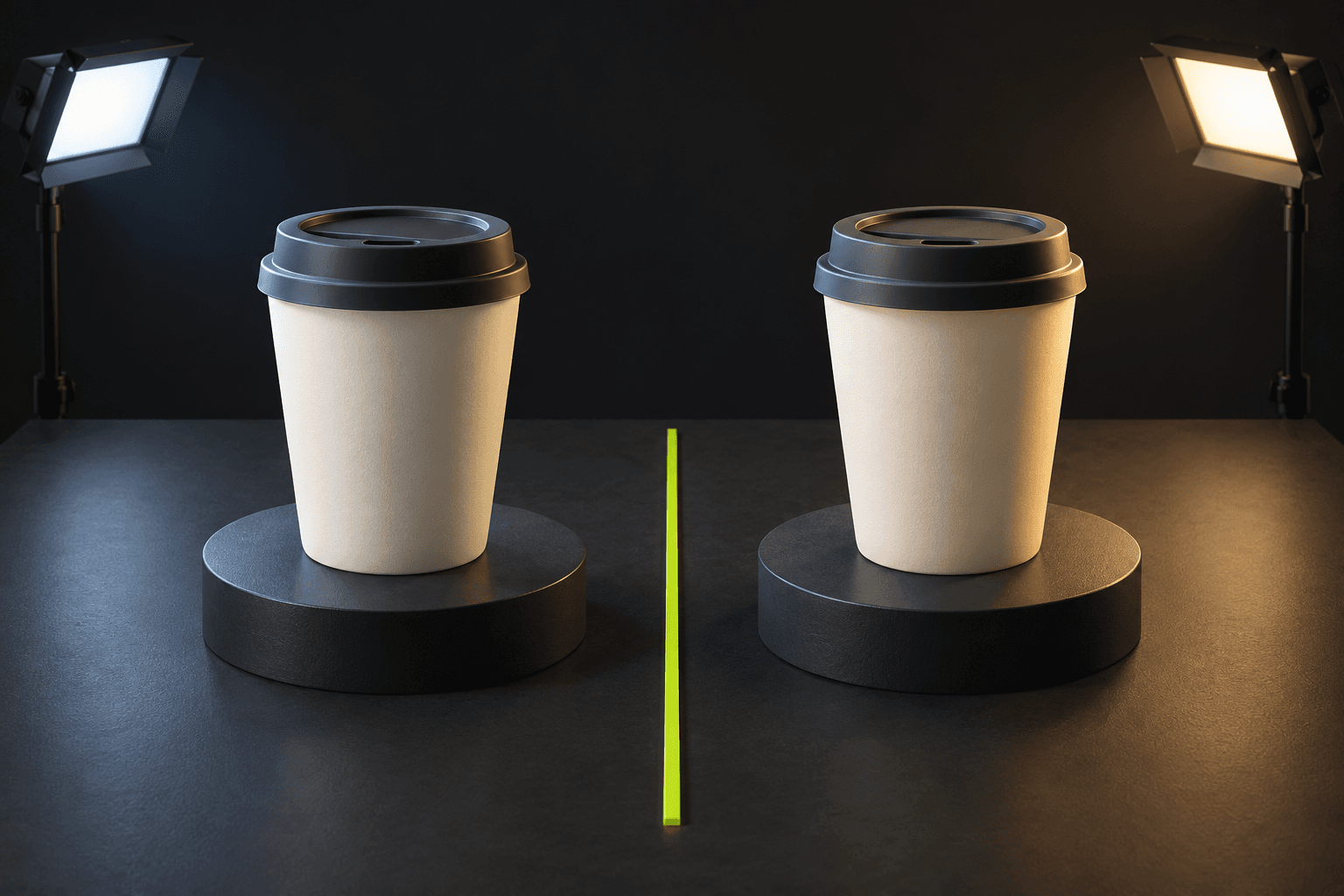
Build a small production sheet with a name, visual change and approval rule for each asset. For a reusable cup, variation A might show the surface texture in soft studio light; variation B might show the same angle in warm window light. Keep the actual cup reference, crop and later headline unchanged. This is an original planning example, not a claim that either treatment will improve sales.
A useful brief is: Use my approved cup photograph as the product reference. Keep its shape, colour and lid accurate. Create a square close-up on a quiet background with soft side lighting and room above for a verified headline. For the second attempt, change only the lighting direction. In AI Campaign Studio, check reference support and the live quote for the chosen model. Set an attempt limit before creating; preparing a separate frame or clip is another explicit generation.
Approve the assets before they enter the test
Compare each result with the real product before comparing the creative ideas. Reject changed packaging, invented accessories, inaccurate proportions or unreadable details. Give the approved files stable names and retain the brief that produced each one. A product error is a production failure, not an interesting test variable. Review the destination's current crop and interface overlays instead of assuming one exported format suits every placement.
For video, approve the opening frame and motion separately. Attach completed clips to named campaign scenes, then render an MP4 when the studio renderer is configured. Review that export before uploading it to an ad platform; the studio does not publish or run the campaign for you. TikTok's creative guidance recommends platform-aware production and ongoing testing, while noting that its recommendations are starting points. It does not establish a guaranteed result for an AI-generated asset.
For a practical social-post batch, upload one approved product photo in Product set and choose Images. Select Instagram feed (4:5), Story (9:16) or the other available creative presets individually; a website hero uses a different composition. Review every item and the combined quote before explicitly creating the set. These are separate compositions, not a controlled A/B test by themselves. Approve the product in each result, then add your verified headline, caption, accessibility text and link in your publishing tools. Keep the offer unchanged if the next step is a creative comparison; the studio does not publish the posts.
Record a useful decision, including an uncertain result
Use the reporting source you chose before launch and distinguish exposure, clicks and the business action you actually care about. Record dates, delivery conditions and any changes made during the comparison. If the audience, offer or landing page changed too, describe that limitation. A small or unevenly delivered run can be inconclusive; there is no obligation to declare a winner simply because one number is larger.
Keep a short decision note: what changed, which assets were approved, what happened and what you will try next. Reuse the chosen brief and completed media from your library rather than regenerating them automatically. AI Campaign Studio keeps production context, references and saved scenes together; campaign outcomes still come from your actual publishing and measurement tools. Start the next round with one justified change, a fresh quote and a budget you are prepared to spend.
Sources & further reading
- Meta Blueprint: measuring the impact of ad creative ↗
- TikTok for Business: creative best practices and testing ↗
Product documentation can change. Check current provider controls and terms before production.